
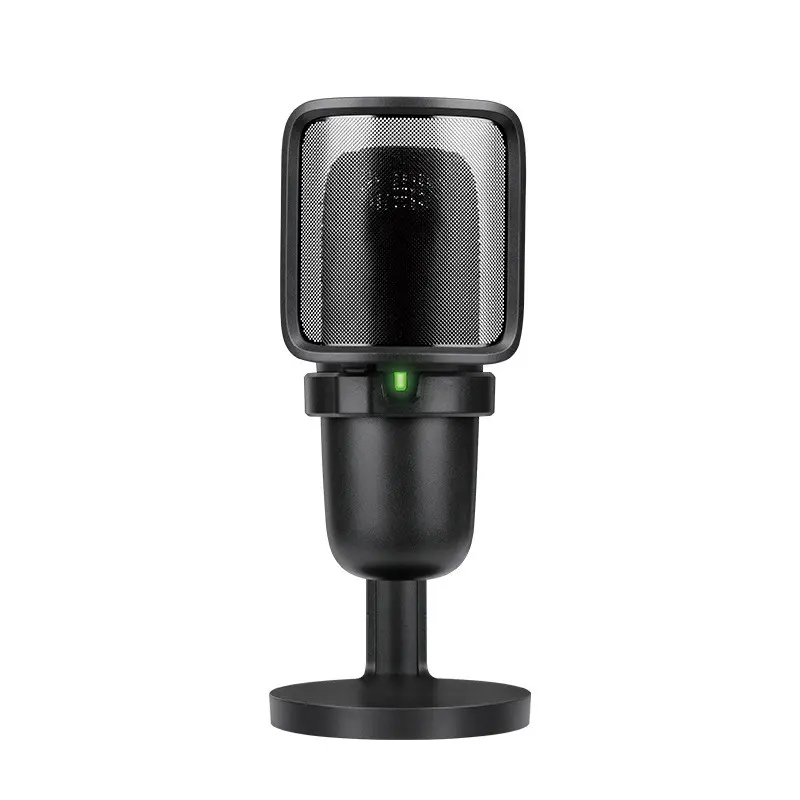

Studio-quality audio for your desk — built for streaming, recording, podcasting and remote work.
Product information:
Microphone unit: Ф14 * 6.5MM
Sampling rate: 192Khz
Microphone pointing: single point
Sensitivity: -30±2 db
Impedance: 2.2 kΩ
Frequency response: 20hz- 20000hz
Working voltage: 5V DC
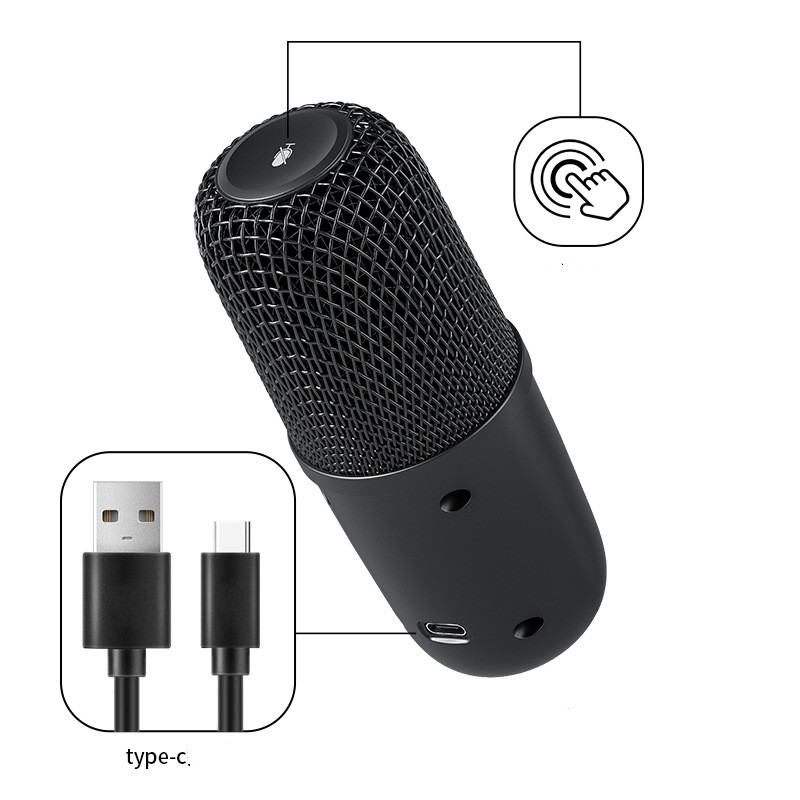
Charging interface: TYPE-C
Interface controller and CPU: SSS1700
Power switch: touch switch
Cable length: 1.7 meters
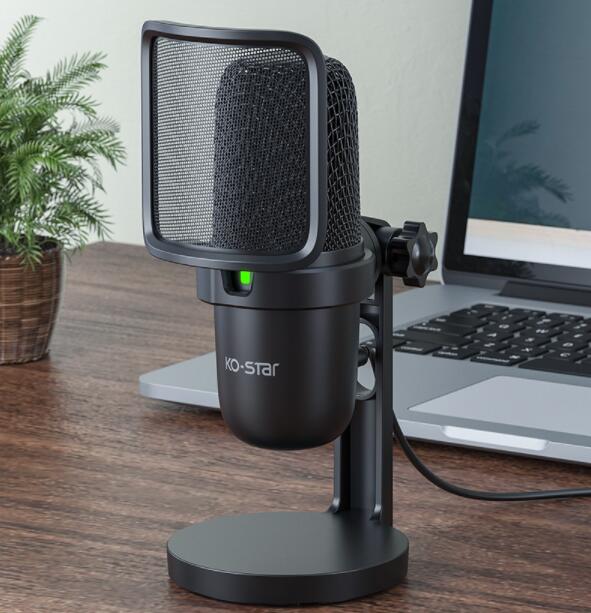
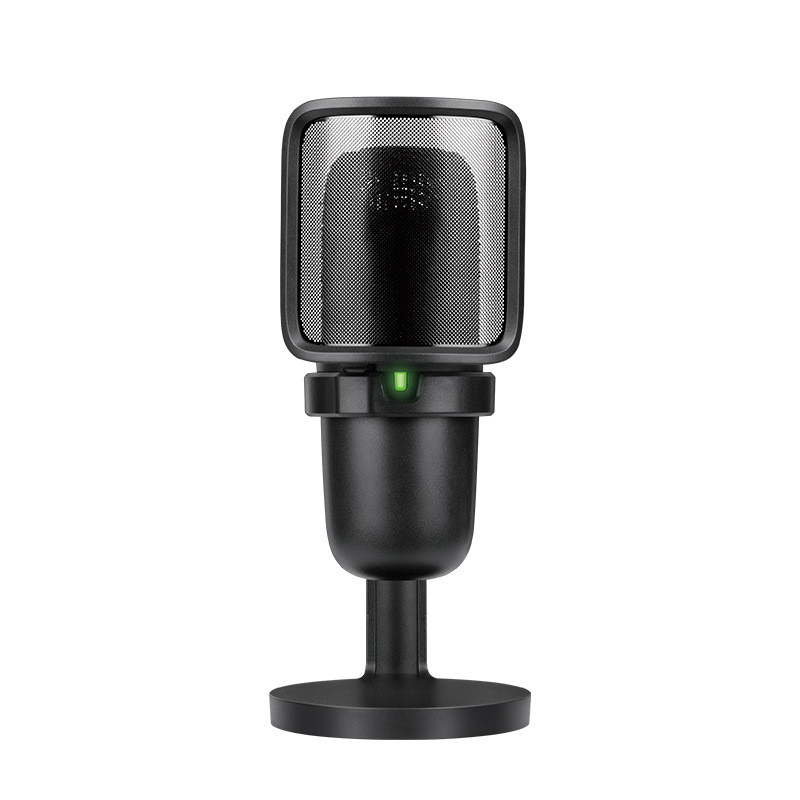
Dimensions: 78mm* 104mm* 169mm
Features:
✔ Professional USB condenser mic built for recording,
live streaming, and voice chat
✔ High-definition audio with a clean, bright sound
signature — studio quality from your desk
✔ Plug and play via USB-C — no drivers or software needed
✔ One-touch mute control for instant, silent switching
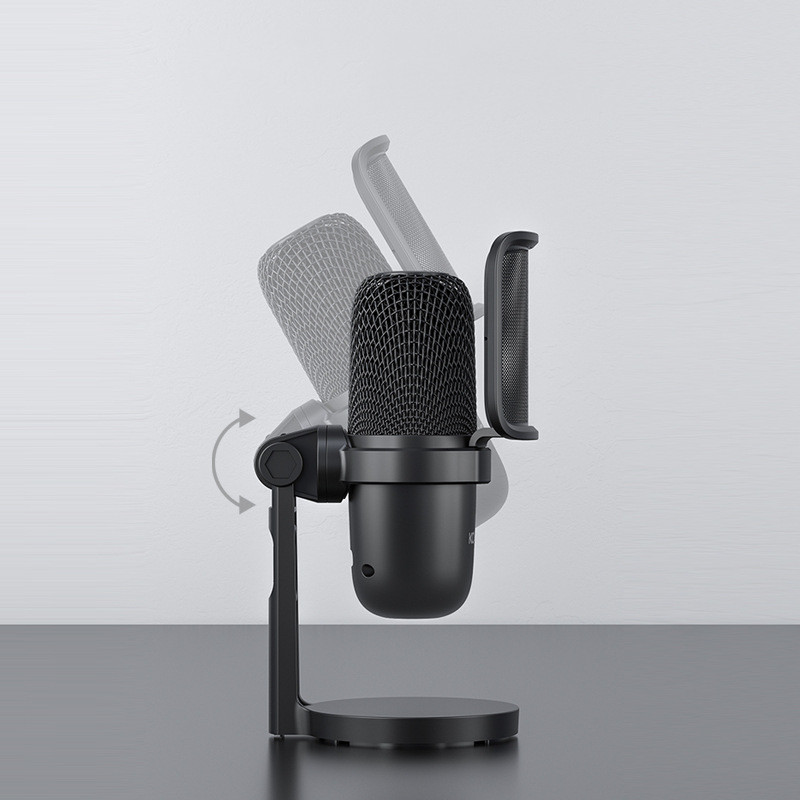
✔ Redesigned pop filter eliminates plosives and breath
noise for cleaner, purer recordings
Packing list:
Microphone*1
Frequently Asked Questions
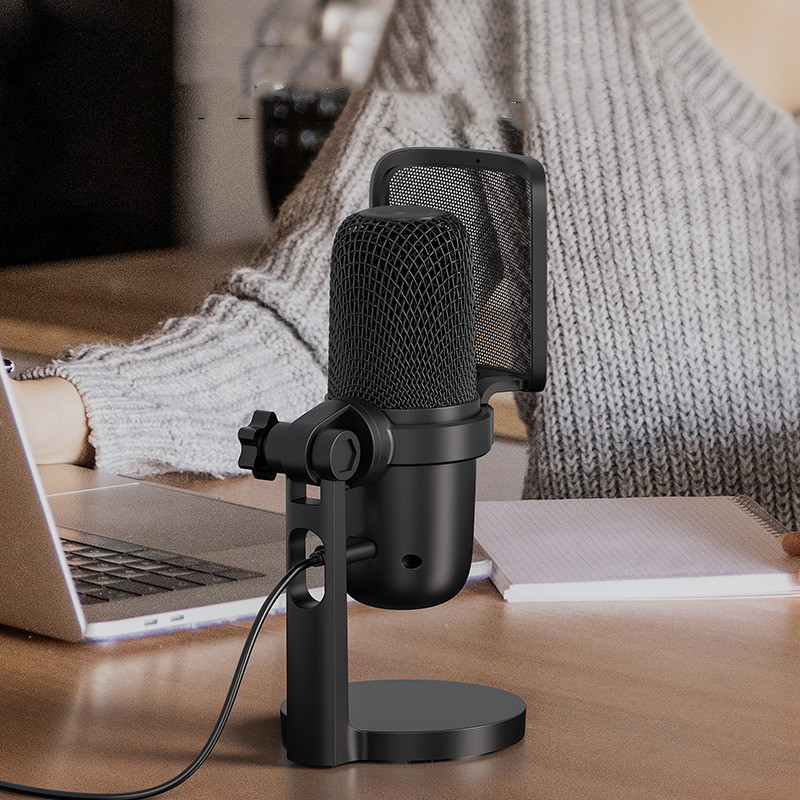
The KO-Star USB condenser microphone is fully plug and play. Simply connect it to your computer via the included USB-C cable and it will be recognised instantly — no drivers, no software, no setup required. Compatible with Windows and Mac out of the box.
The touch mute control lets you instantly silence the microphone with a single tap — no need to mute through your software or system settings. Ideal for calls, live streams, and recordings where you need a quick, silent cut.
Yes. The KO-Star is built for desk use — cardioid polar pattern focuses on your voice and rejects background noise, the built-in pop filter reduces plosives, and the 192kHz sampling rate captures clean, detailed audio. It works well for streaming, podcasting, voiceovers, and remote work calls.
The box includes the KO-Star USB condenser microphone with the desktop stand and pop filter pre-attached. No audio interface, adapter, or additional accessories are required — just plug in and start recording.
Yes. Because the KO-Star uses standard USB audio, it is recognised as a generic audio input device by any software that supports microphone input — including OBS, Audacity, Zoom, Teams, Discord, GarageBand, and most DAWs. Simply select it as your input device in your software settings.
Avis
Il n’y a pas encore d’avis.